Who this guide is for
This comparison is for those who missed a date, redid a pedigree or no longer know which version of the spreadsheet is correct.
Step-by-step process
Notebook: direct and sufficient for a few records
A notebook works without batteries, accepts any kind of note, and has almost no learning curve. For a few birds and events, it may be the most efficient choice.
The limitation appears when it is necessary to search, filter, cross-reference, update the same data on several pages or recover information after loss or physical damage.
- Best when the volume is small and the process is simple
- Weak for search, relations and backup
- Relies on very consistently written conventions
Spreadsheet: good for filters, but requires maintenance
A spreadsheet organizes columns, filters, formulas and various tabs. It's a natural step after paper and can continue to be the right tool for a long time.
The hidden cost is maintenance: relationships are normally reproduced by codes, formulas or searches. When the structure grows, small changes can break references or create divergent versions of the file.
Application: when records need to be linked
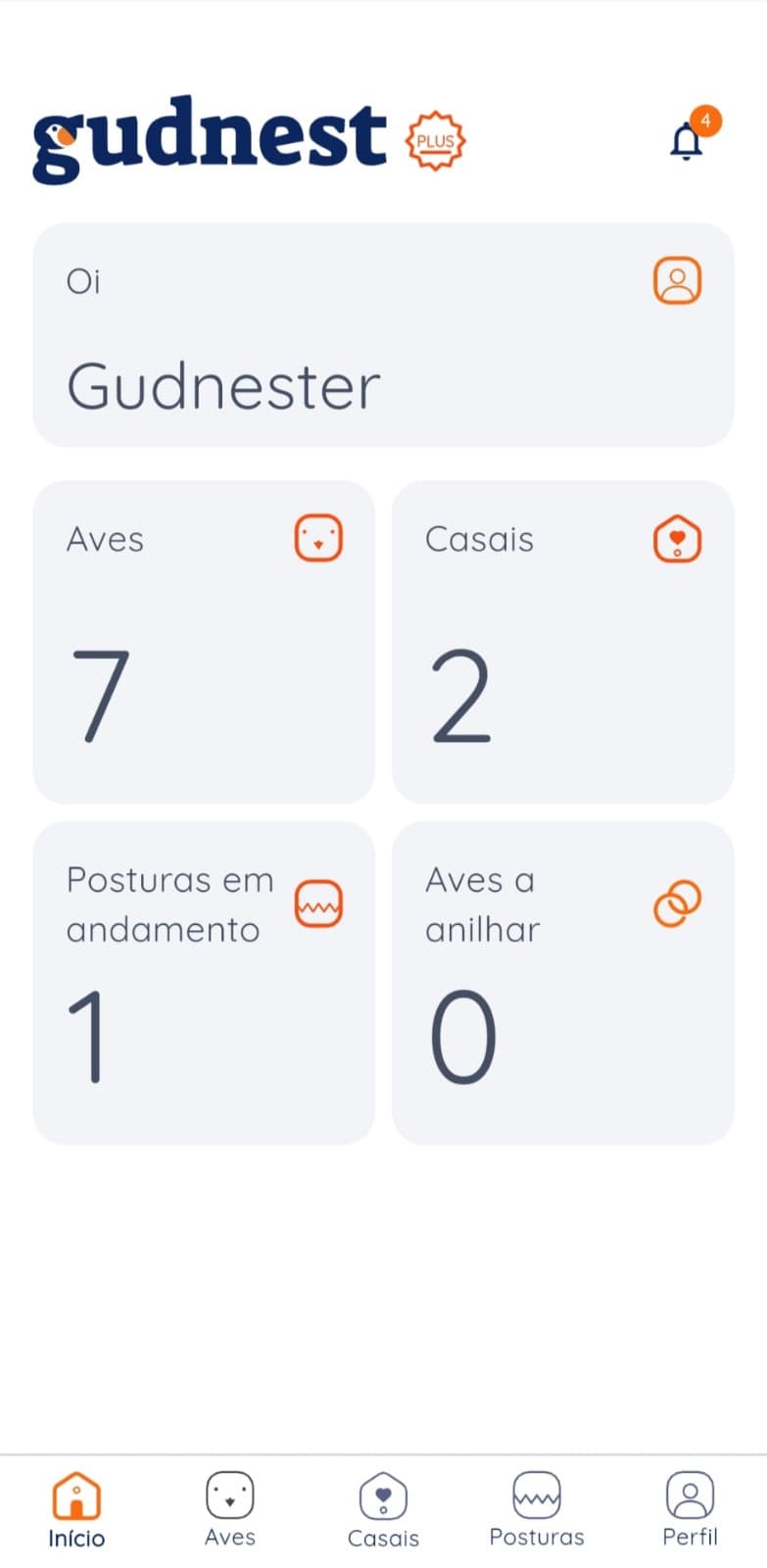
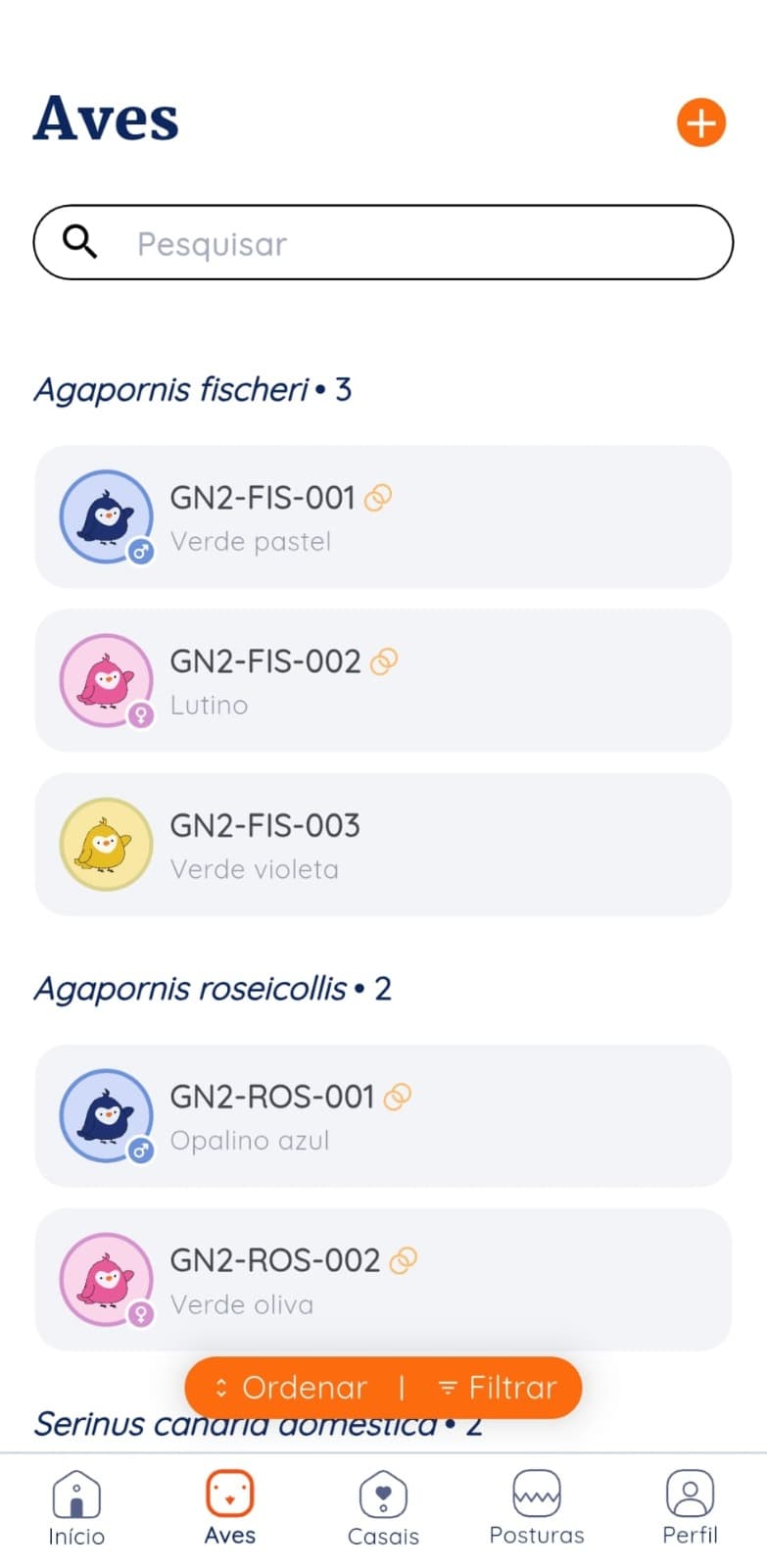
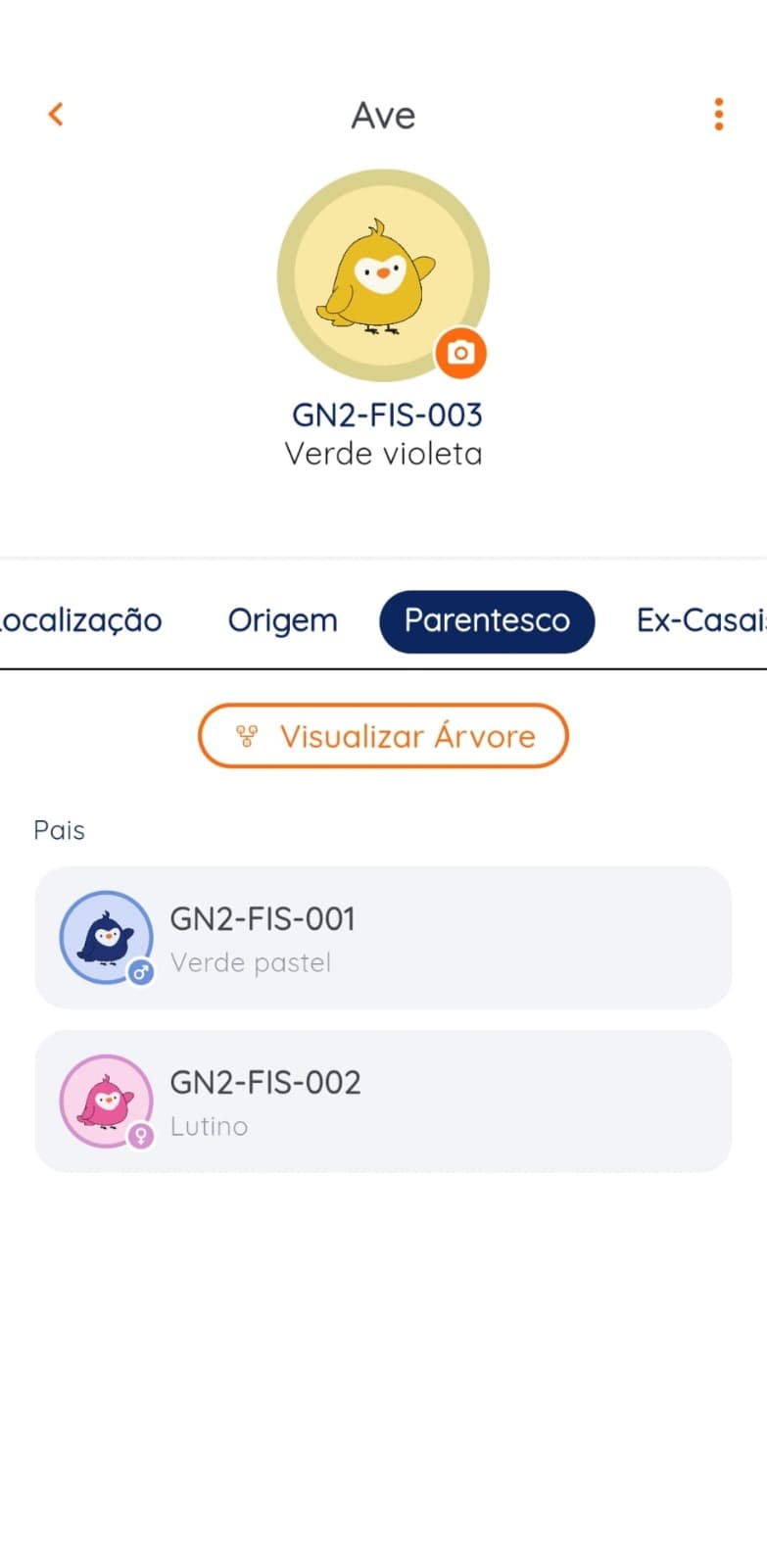
A specialized app starts to make sense when the same bird appears as a parent, member of a breeding pair, source of a clutch, and part of a pedigree.
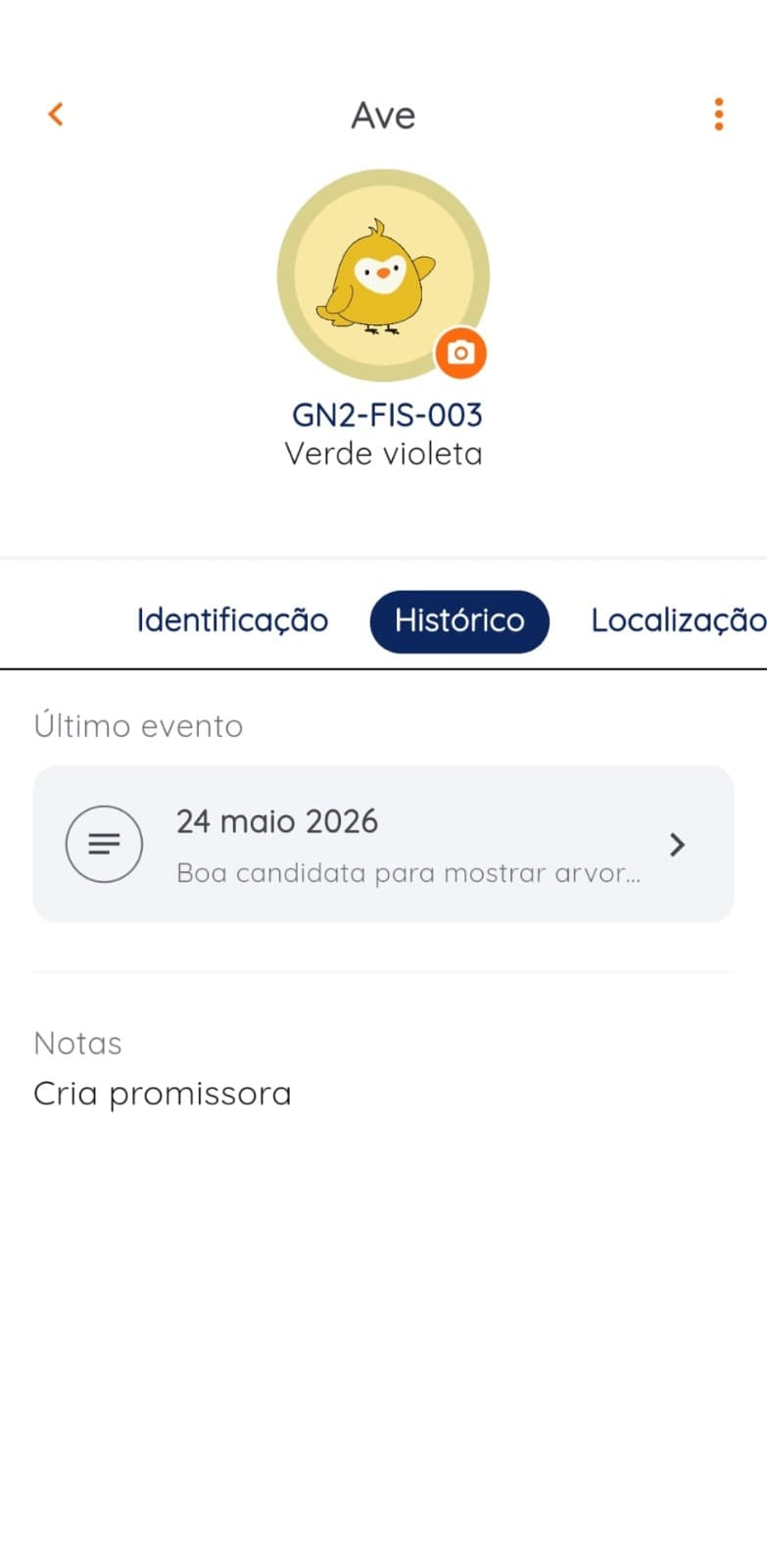
A list on a phone is still just a list. The advantage comes from correcting a record once and seeing that change reflected in the breeding pair, related clutch, and history.
Compare by actual work, not number of features
Test the three options with a concrete task: find all the chicks of a pair, locate the original clutch of a bird, list eggs that are still active and reconstruct a transfer.
Time the process, count how many records need updating, and check whether someone else can understand the data without an explanation. This test reveals more than a generic feature comparison.
Migrate in stages
Do not try to migrate years of history before you begin. Define the essential fields, import or add active birds, then add current breeding pairs and clutches. Bring in older records only when parentage, origin, or analysis requires them.
Keep the original file intact during the transition and validate a sample before abandoning the previous method.
Which tool suits each scenario?
There is no universal bird limit. Use the complexity of the relationships and the maintenance effort as criteria.
- Few birds, few events
- Notebook may be enough
- Custom filters and calculations
- Spreadsheet usually works well
- Several simultaneous clutches
- Spreadsheet or specialized app
- Frequent pedigree and relationships
- Specialized app reduces manual maintenance
- History and transfers
- Prioritize relationships, audit and backup
- Use in the aviary
- Test readability and speed on mobile
Setup checklist
- I can find a bird in less than a minute.
- I update data in one place.
- Parents, clutches, and chicks are linked.
- Someone else understands the codes without explanation.
- There is backup outside the main device.
- The system works in the aviary.
- I can export or preserve my data.
Common mistakes and how to avoid them
Choose by number of birds
Ten birds with many breeding relationships may require more structured tracking than fifty stable records.
Migrate everything at once
Start with active records and validate the structure before spending time on the historical archive.
Confusing cell phone with system
A list on your cell phone is still a list. Evaluate how pairs, clutches, eggs and pedigree relate to each other.
Skip output and backup
Before choosing, confirm how to export data and how to recover your work if it is lost.
Sources and limitations
These sources provide context for the method and the Brazilian market. They do not make this article veterinary or legal advice.
- Instituto Pet Brasil / Abinpet: market data 2024Brazil appears as a very relevant market for songbirds and ornamental birds. The report does not provide rankings by species.
- Brasília Ambiental: most registered species in SisPass in DFOfficial Federal District snapshot of registered wild passerines; it does not represent the whole Brazilian market or exotic birds.
- Gudnest: application featuresBasis for the relationship, history, research, couples, clutches and pedigree criteria presented in this comparison.
Tired of repeating the same data in several tabs?
Gudnest connects birds, breeding pairs, clutches, eggs, and history in one system.
Try Gudnest