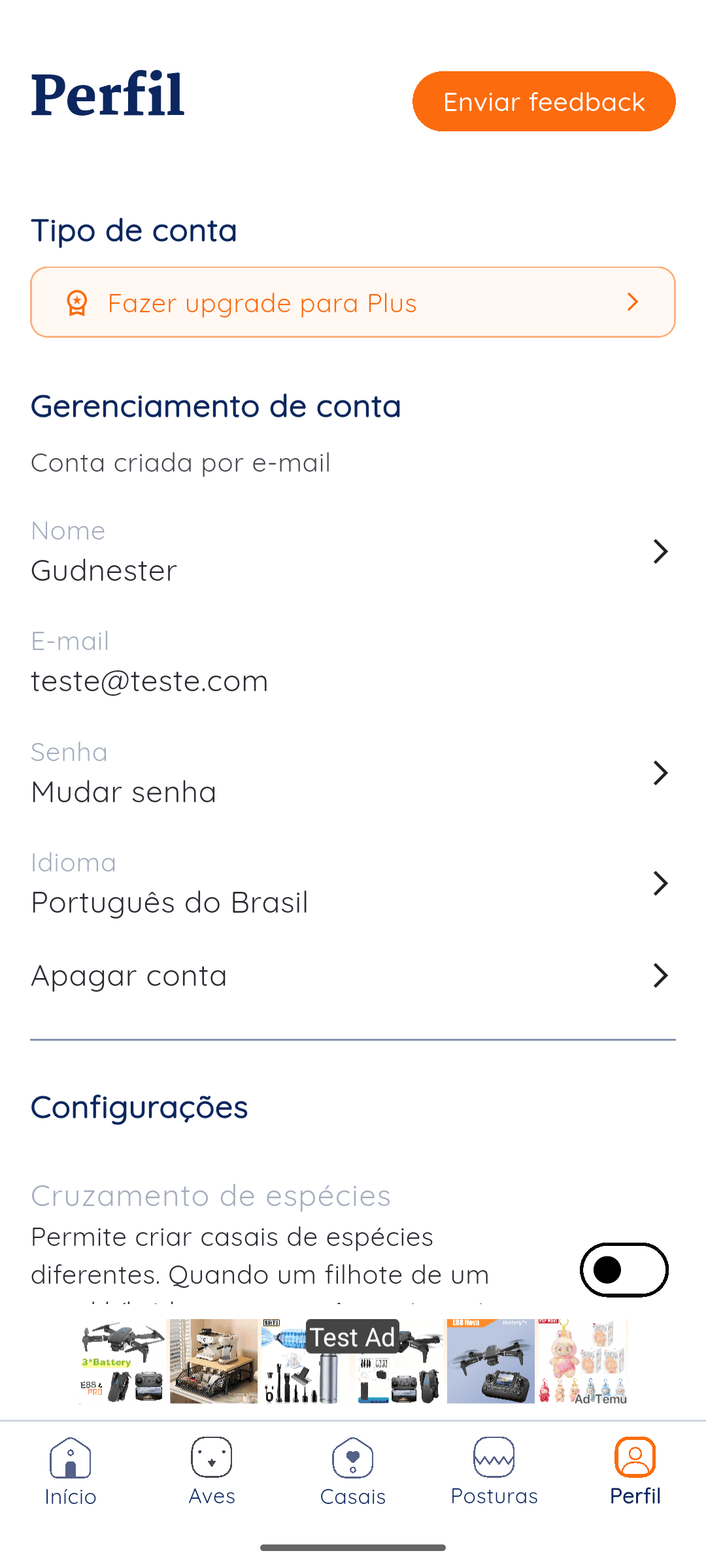
Profile screen
The Delete account option appears in the profile area, under account management.
You can request account deletion directly in the Gudnest app. The screenshots below show exactly where the delete account button appears and what happens after you confirm.
Open Gudnest and go to your profile area. In account management, you will find the delete account option.
Steps in the app
The Delete account option appears in the profile area, under account management.
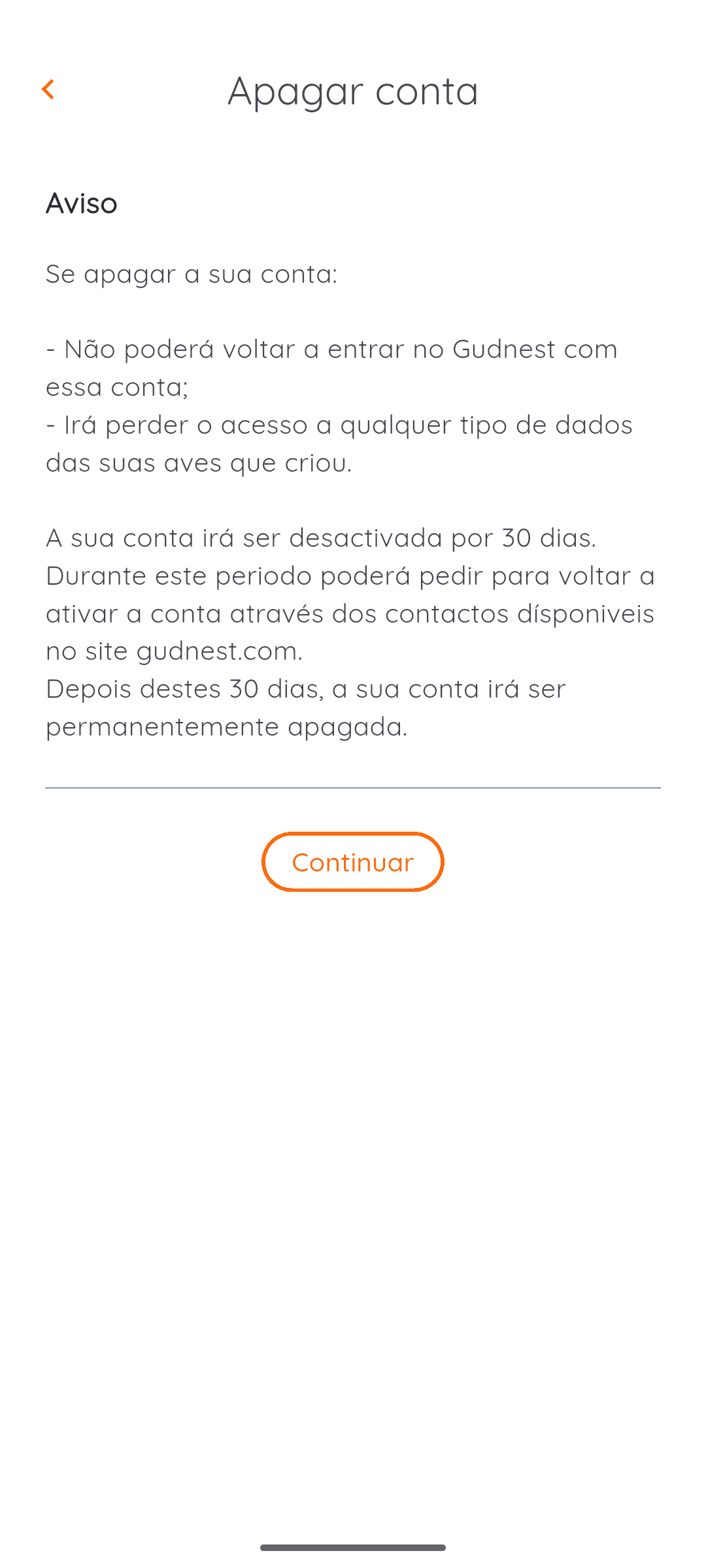
The app explains that the account is deactivated for 30 days before permanent deletion.
If you cannot access the app and still need help with account deletion, contact us and we will guide you through the next step.